
Screenshots
App details
- Updated
- Jul 22, 2025
- Language
- Afrikaans 48 moreLanguagesAfrikaansAmhar...
- Developer
- BGB Team
- Category
- Mobile
SoftPas in:
This product is also available in the following languages:
About BGB
Download BGB – Game Boy Emulator, Retro Gaming, Classic Games, PC Emulation
Overview
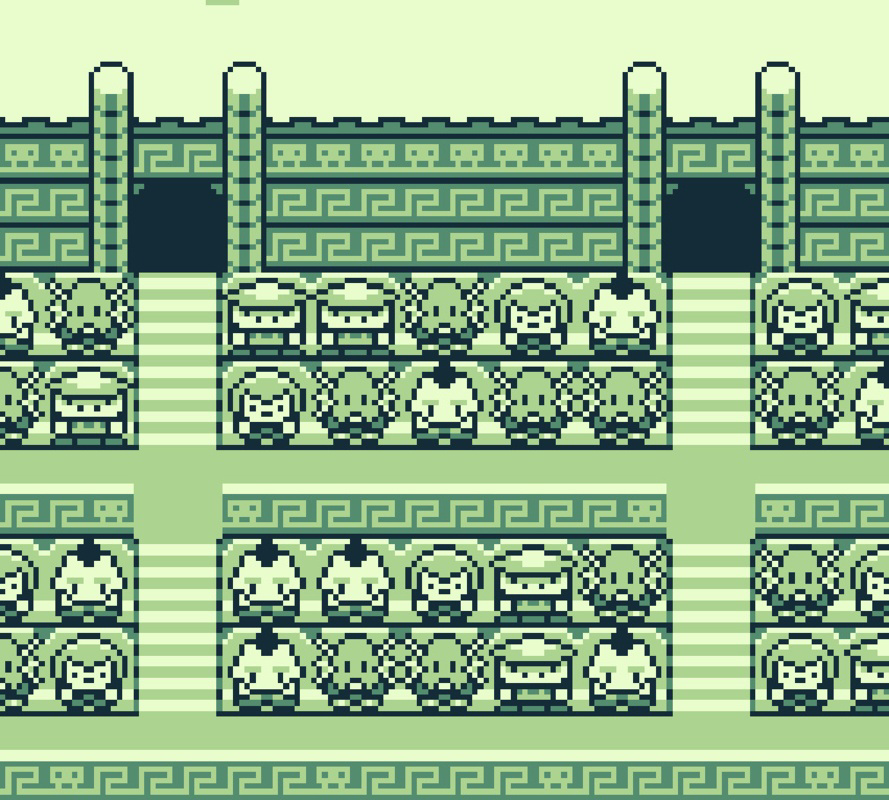
BGB is a lightweight Game Boy and Game Boy Color emulator designed for PC users seeking to relive the golden era of handheld gaming. The app enables users to play a vast catalog of classic titles originally released for the Game Boy and Game Boy Color systems, offering a nostalgic yet accessible experience. It is particularly suited for retro gaming enthusiasts, collectors, and casual players interested in exploring vintage titles without relying on original hardware. The emulator’s compact size—just 600 KB—makes it highly efficient, allowing it to run on nearly any Windows-based system, including older or low-spec machines. This accessibility broadens its appeal across diverse user groups, from students to retro hobbyists. The developer did not provide additional background information, but the app’s design and functionality suggest a focus on minimalism, performance, and authenticity. Real-world use cases include playing games like Tetris, Super Mario Land, and Pokémon Red during downtime, or testing homebrew projects. In the broader app ecosystem, BGB stands out as a specialized tool that fills a niche demand for lightweight, accurate emulators, offering a reliable alternative to larger, more resource-heavy options.
Key Features & Functionality
- Compact and Efficient Design: At just 600 KB, BGB is one of the smallest emulators available, enabling quick installation and minimal system impact. This makes it ideal for older PCs or systems with limited storage.
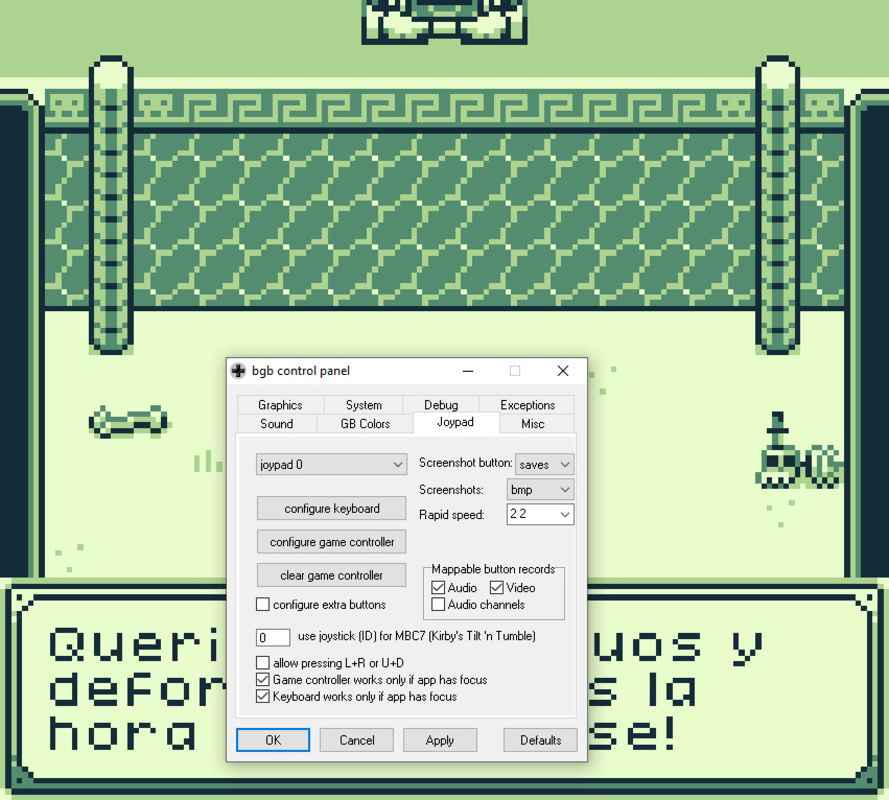
- Customizable Controls: Users can configure keyboard or gamepad inputs through an intuitive options menu. This flexibility supports both casual play and competitive sessions, enhancing comfort and accessibility.
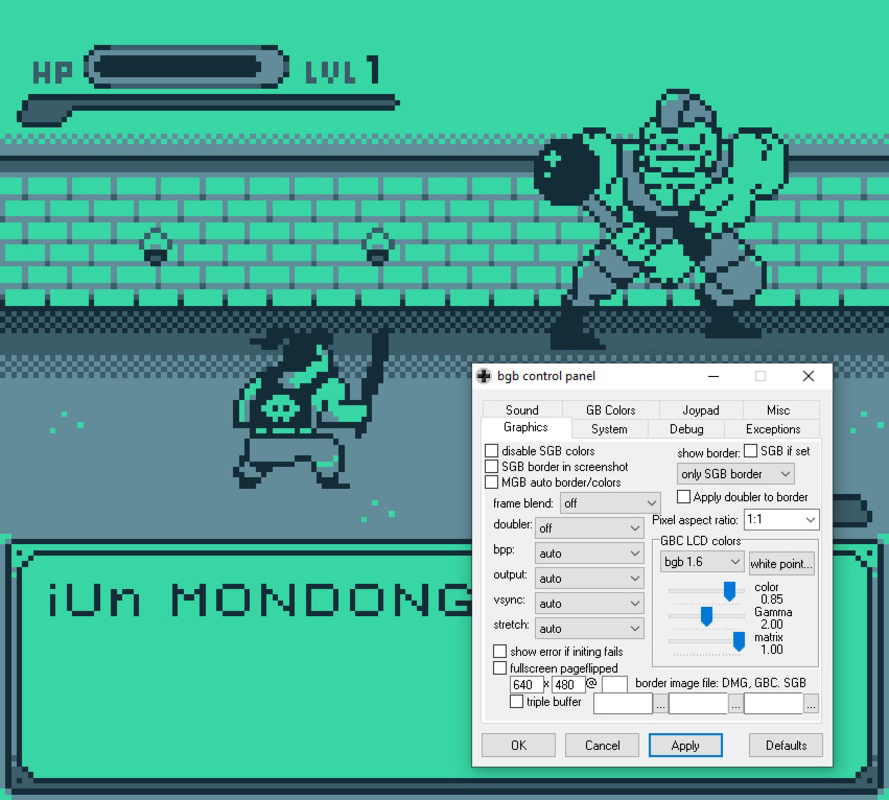
- Graphical and Audio Enhancements: The emulator allows adjustments to color palettes, screen resolution, volume levels, and audio latency. These settings let users tailor the visual and auditory experience to their preferences.
- Super Game Boy Compatibility: BGB supports Super Game Boy functionality, enabling multiplayer gameplay for select titles. Up to four player configurations can be set directly within the interface, expanding the social and replay value of supported games.
- Faithful Emulation: The app ensures that ROMs run with accuracy comparable to original Game Boy hardware. This fidelity is critical for preserving the intended gameplay experience, especially for homebrew developers and purists.
For example, a user can enhance the visual clarity of a Game Boy Advance title by adjusting the color palette, or enable multiplayer mode in Bomberman GB using Super Game Boy settings. These features collectively support both casual enjoyment and deeper engagement with retro game mechanics.
Interface, UX & Performance
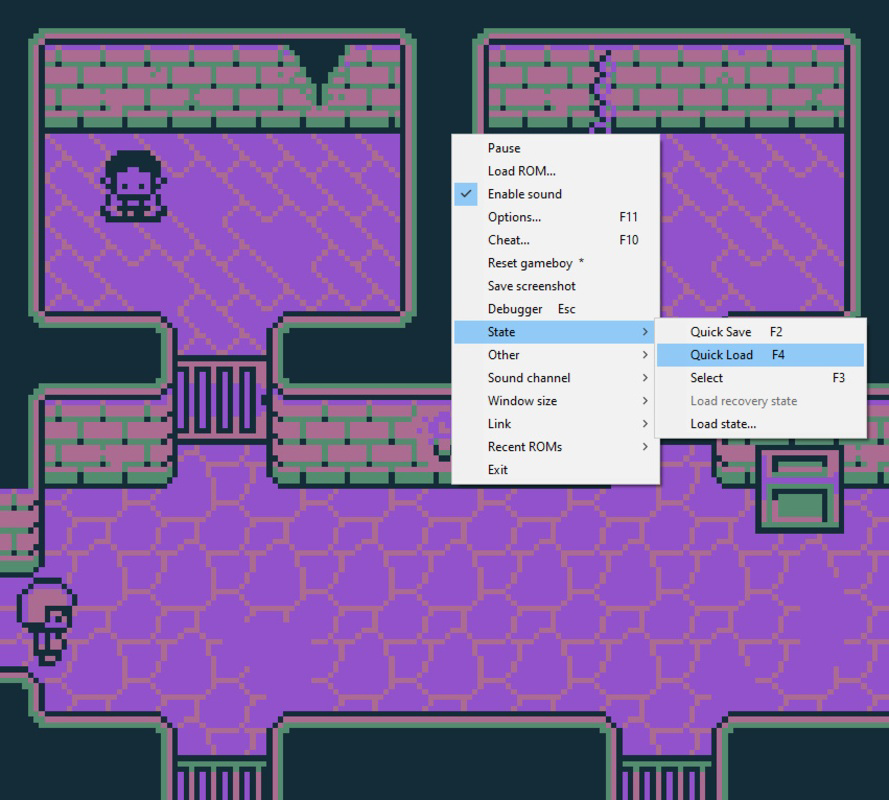
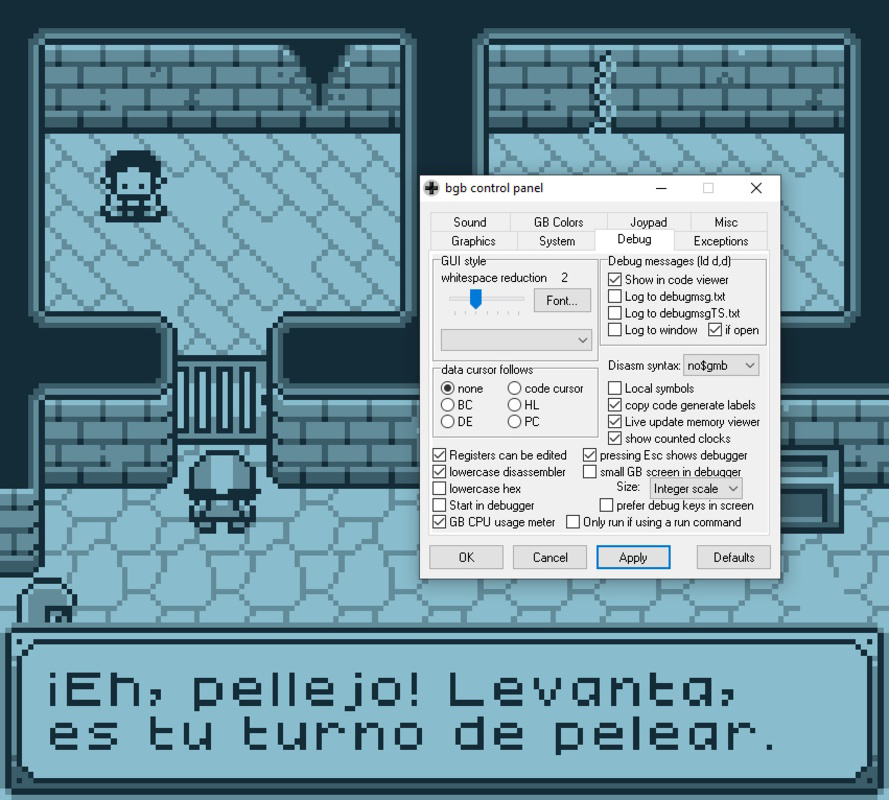
BGB features a clean, minimal interface that prioritizes functionality over visual flair. The layout is straightforward, with essential controls and settings grouped logically for ease of access. Navigation is intuitive, relying on a simple menu system that avoids clutter. Users can quickly load ROMs, adjust settings, and start gameplay with minimal steps. The emulator is designed to be lightweight, which contributes to its responsiveness and stability across various hardware configurations. Although the developer did not list formal performance metrics, the small file size and efficient architecture suggest consistent performance even on older or underpowered systems. The app maintains stable frame rates during gameplay and responds promptly to input changes. Responsiveness is maintained across different screen resolutions and window sizes, making it suitable for use on desktops, laptops, and smaller monitors. Stability is evident in its ability to run long sessions without crashes or memory leaks. The user experience is optimized for efficiency, with no noticeable lag or startup delays. Overall, the interface balances simplicity with control, making it accessible to both newcomers and experienced retro gamers.
Platform Compatibility & Technical Requirements
BGB is available for Windows platforms, though specific OS versions were not listed. The app has a file size of 600 KB, indicating a highly optimized build. This small footprint suggests compatibility with a wide range of Windows systems, including those with limited resources. The developer did not specify minimum OS requirements, so users should exercise caution when installing on older or unsupported systems. Similarly, no details were provided regarding processor architecture, RAM, or graphics capabilities. While the app is designed to run on nearly any PC, users are advised to verify compatibility based on their system’s specifications. The lack of detailed technical information means that performance on specific hardware configurations remains unverified. However, the emulator’s lightweight nature increases the likelihood of successful operation across diverse environments. For users seeking a portable, low-overhead solution for retro gaming, BGB presents a viable option despite the absence of formal compatibility disclosures.
Pros and Cons
Pros
- Extremely lightweight at just 600 KB, ideal for low-resource systems.
- Accurate emulation of Game Boy and Game Boy Color games.
- Supports Super Game Boy functionality for multiplayer experiences.
- Customizable controls for keyboard and gamepad users.
- Offers visual and audio enhancements without sacrificing authenticity.
Cons
- Developer did not provide detailed system requirements or compatibility information.
- Limited to Windows platform; no information on iOS or Android availability.
- Minimal visual interface—may not appeal to users seeking modern design.
- No built-in ROM management or library features.
- Advanced settings may require technical familiarity for optimal use.
FAQ
Is BGB safe to download and use?
Yes, BGB is a legitimate emulator developed for personal use. However, users should ensure they own the ROMs they are running, as distribution of copyrighted ROMs is illegal.
Can I use BGB on macOS or Linux?
The developer did not specify compatibility with macOS or Linux. The app is confirmed to run on Windows, but cross-platform availability remains unconfirmed.
Does BGB support multiplayer gaming?
Yes, BGB includes Super Game Boy compatibility, which allows multiplayer gameplay for select titles. Up to four players can be configured through the settings menu.
How do I install BGB on my PC?
Download the executable file, extract it if necessary, and run the program. No installation is required, making it portable and easy to use.
Is BGB regularly updated?
The release date was listed as 2025-07-22. No information was provided about update frequency or future development plans.
Final Thoughts
BGB delivers a powerful yet unobtrusive solution for fans of classic Game Boy and Game Boy Color games. Its minimal footprint, accurate emulation, and support for multiplayer via Super Game Boy make it a standout choice in the retro gaming space. While it lacks modern UI polish and detailed technical documentation, its core functionality is robust and reliable. The app is ideal for users who value performance, authenticity, and simplicity. Whether you're revisiting childhood favorites or exploring retro titles for the first time, BGB offers a seamless experience on Windows. For those seeking a secure, efficient, and lightweight emulator, this tool is a must-have. Download BGB now and relive the magic of retro handheld gaming.
Guides & Tutorials
How to install BGB
- Click the Download button above.
- Once redirected, accept the terms and click Install.
- Wait for the BGB download to finish on your device.
How to use BGB
This software is primarily used for its core features described above. Open the app after installation to explore its capabilities.
User Reviews
No reviews yet. Be the first to share your experience.
You may also like
more
Que no te pillen¡
About !Que no te pillen¡Reviewed by Jason A. BilbreyShow MoreShow Less

3D Combat Zone
About 3D Combat ZoneOriginally released in 1983, 3D Combat Zone immerses players...

666: El día del portal
About 666: El día del portalOn June 6, 2006, Agent P. Stone uncovers a sinister...

80 in 1 Best Flash games
About 80 in 1 Best Flash games 80 in 1 Best Flash games is a collection of 80 fl...

ABYSS SEEKERーーWhat Do You See Deep in The Abyss
About ABYSS SEEKERーーWhat Do You See Deep in The AbyssIn ABYSS SEEKER, players...

ACA NEOGEO THE KING OF FIGHTERS 2002 for Windows
About ACA NEOGEO THE KING OF FIGHTERS 2002 for WindowsTHE KING OF FIGHTERS 2002,...